Signing into Zoom with PCCC Credentials
Logging In with your PCCC Credentials
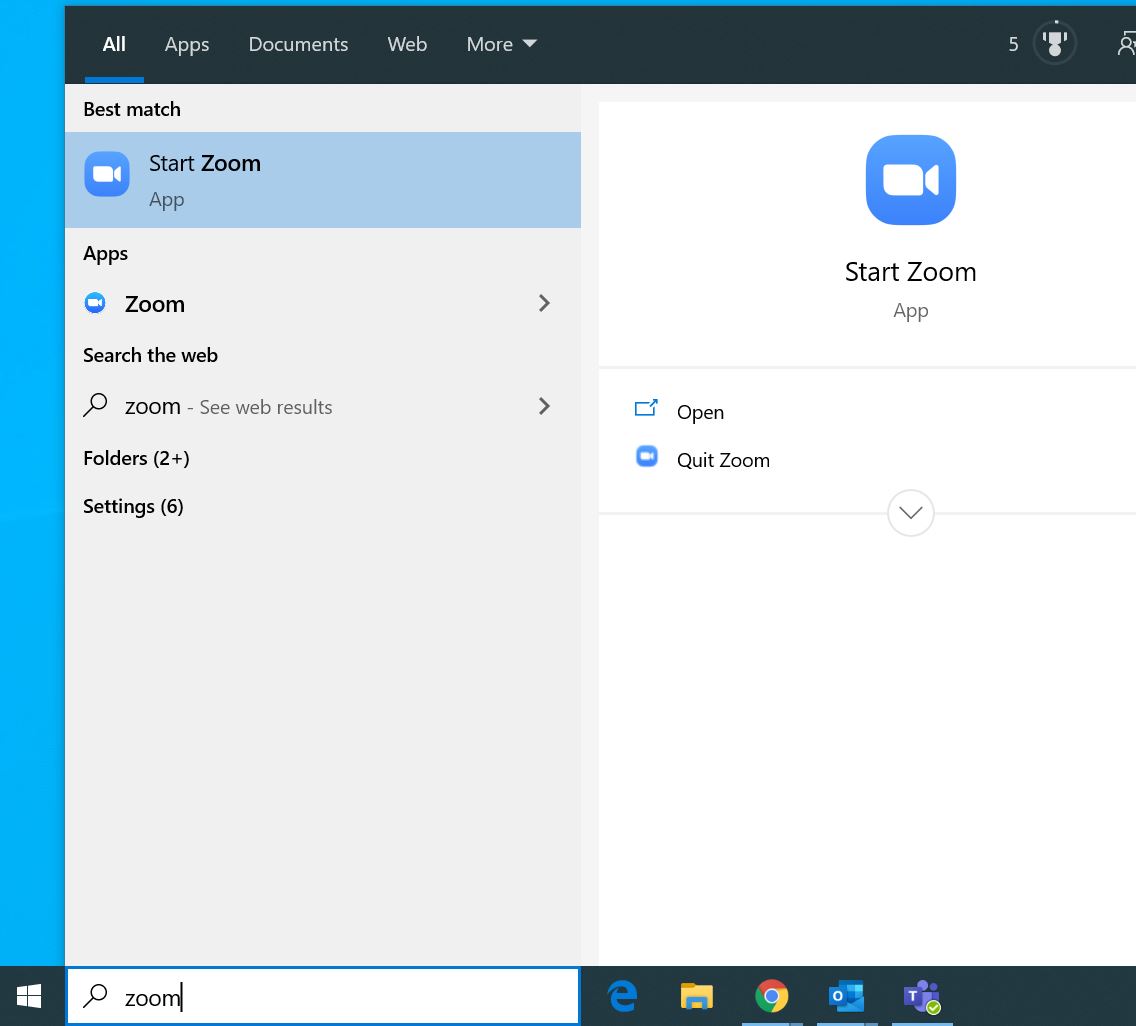
- Open the installed Zoom application. In Windows you can find it on your start menu, by searching in Windows 10 or it may be on your desktop.

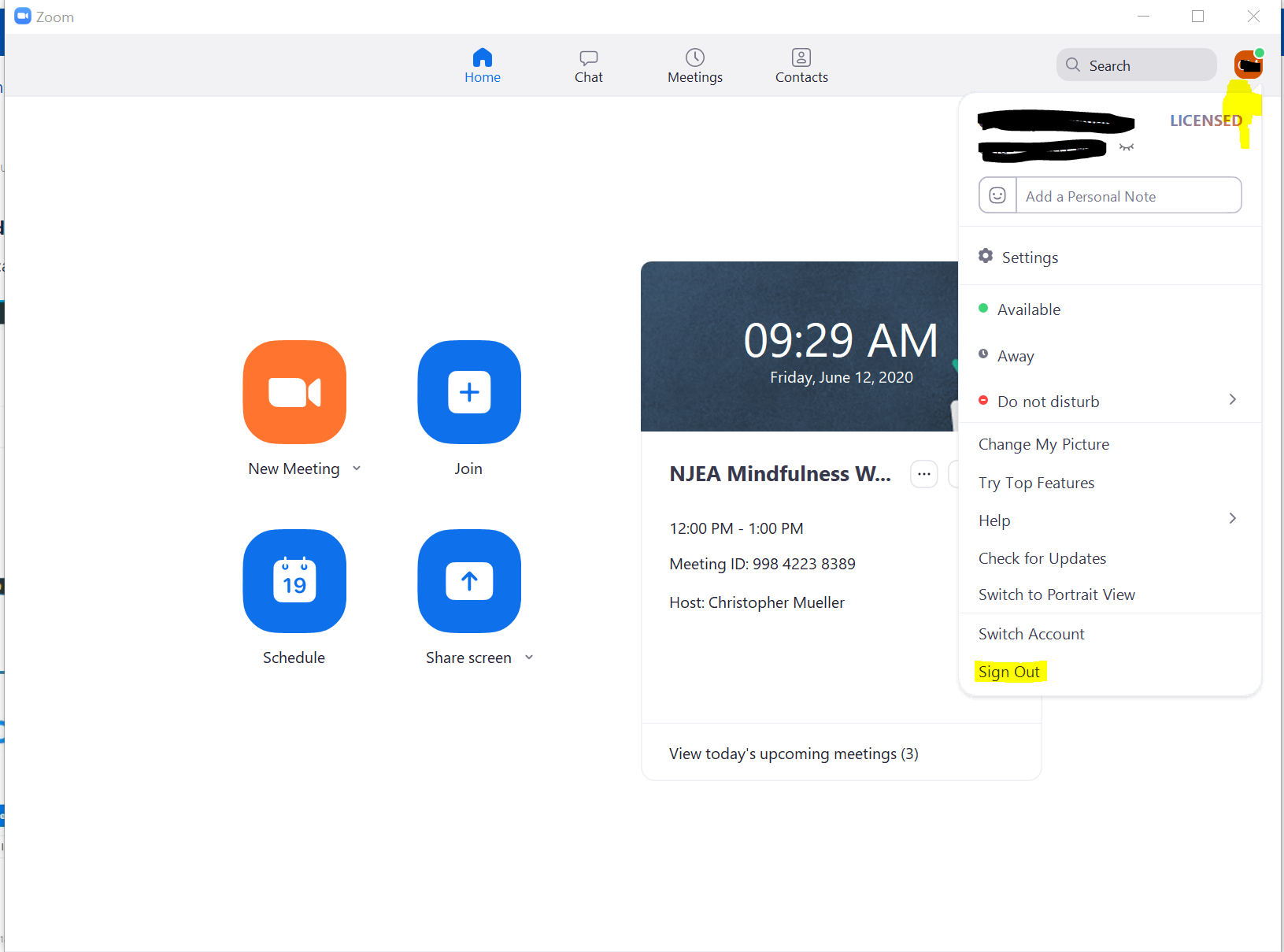
- If you are signed in, Click on your name icon in the upper right corner then click Sign Out
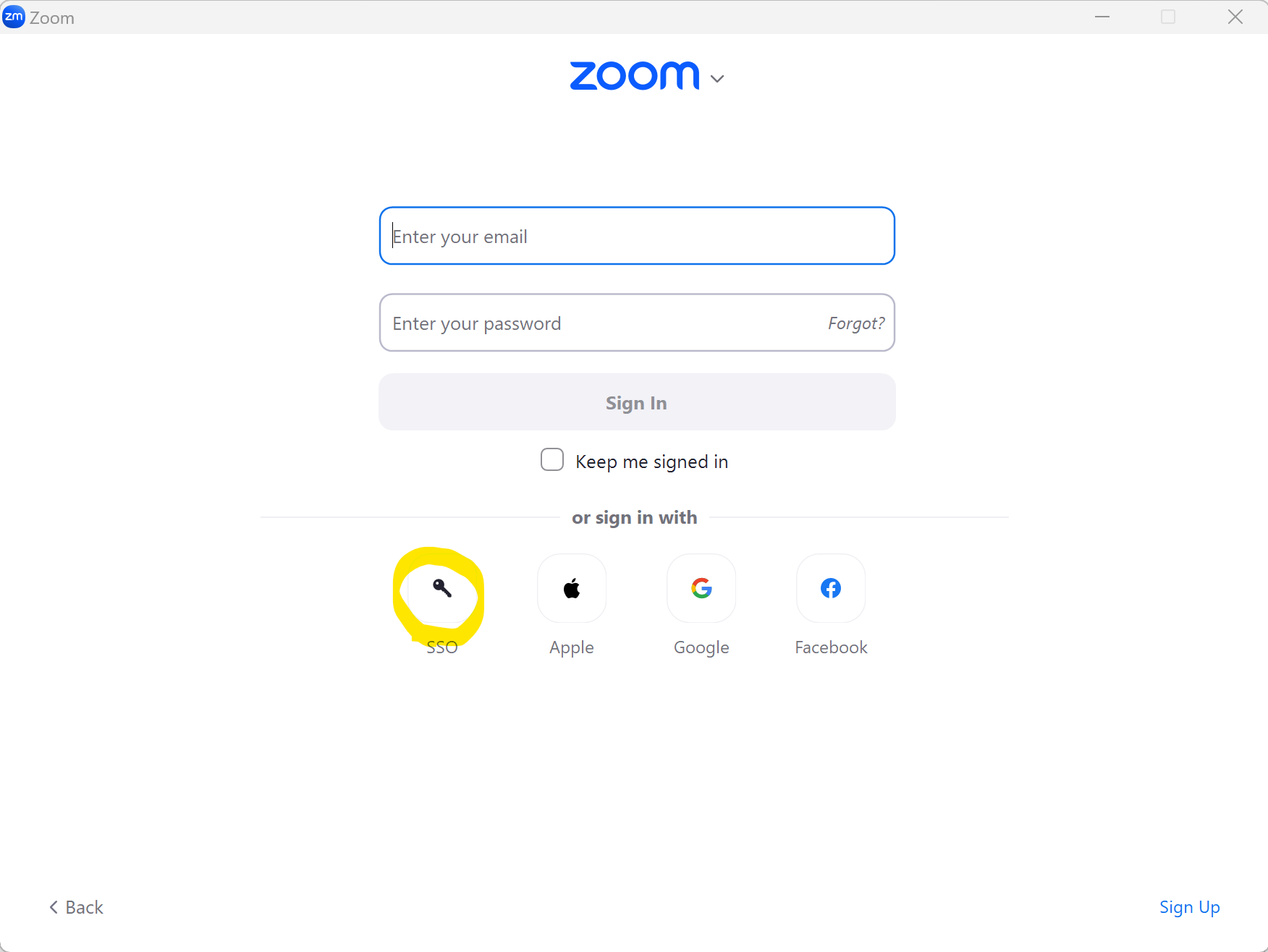
- Select Sign in with SSO
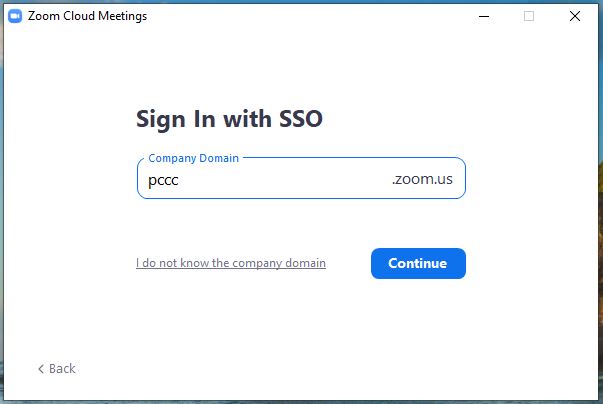
- Type in "pccc" and click Continue
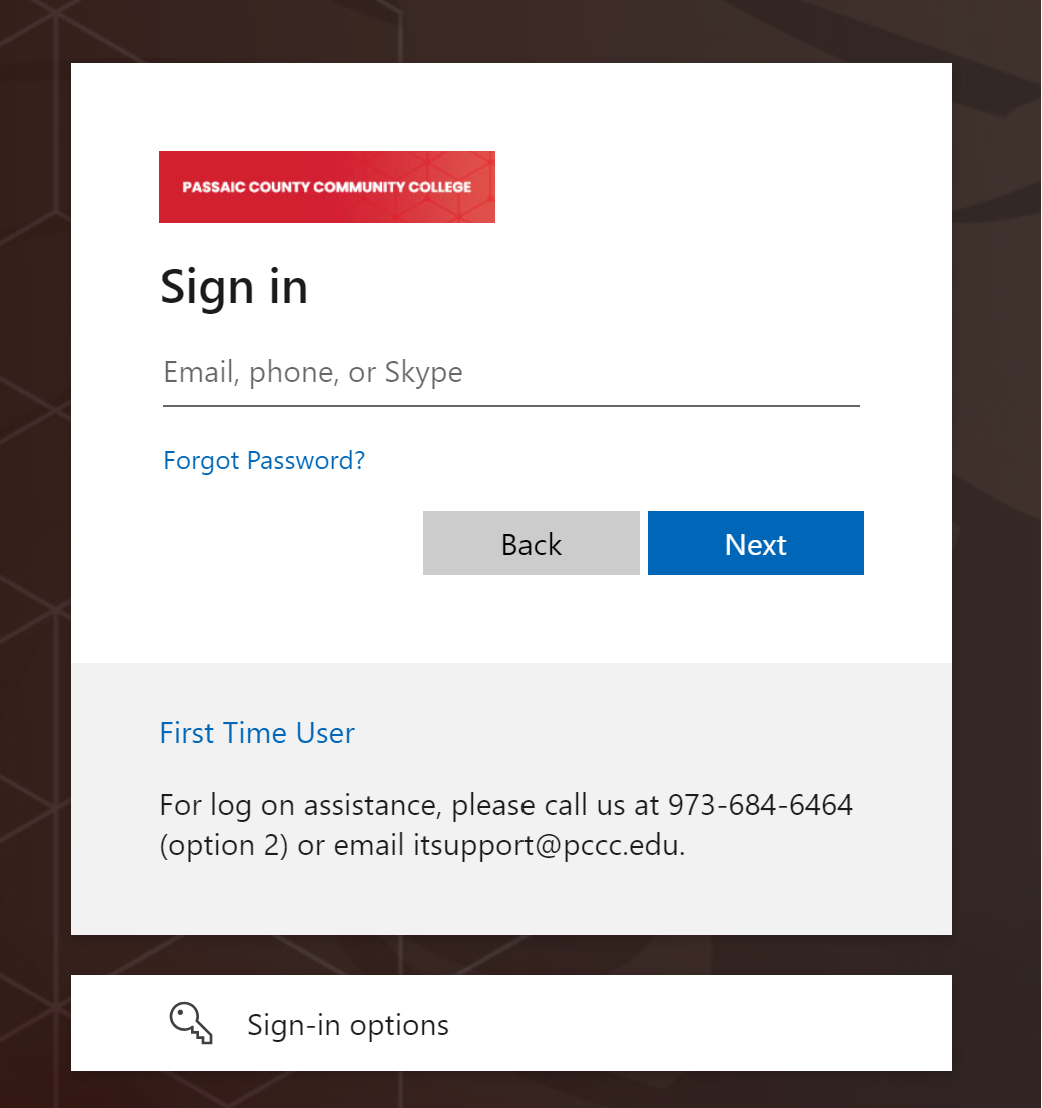
- Type in your PCCC User ID and Password
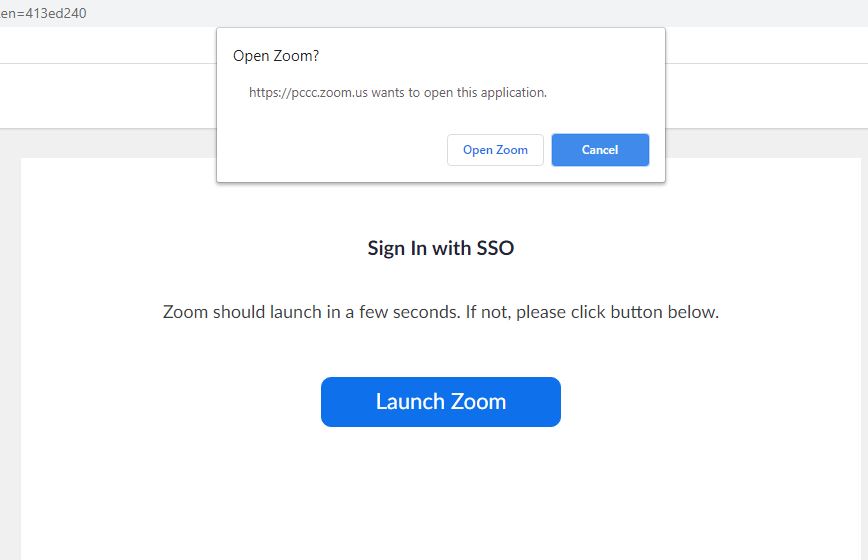
- A pop up window will appear. Click "Open Zoom"
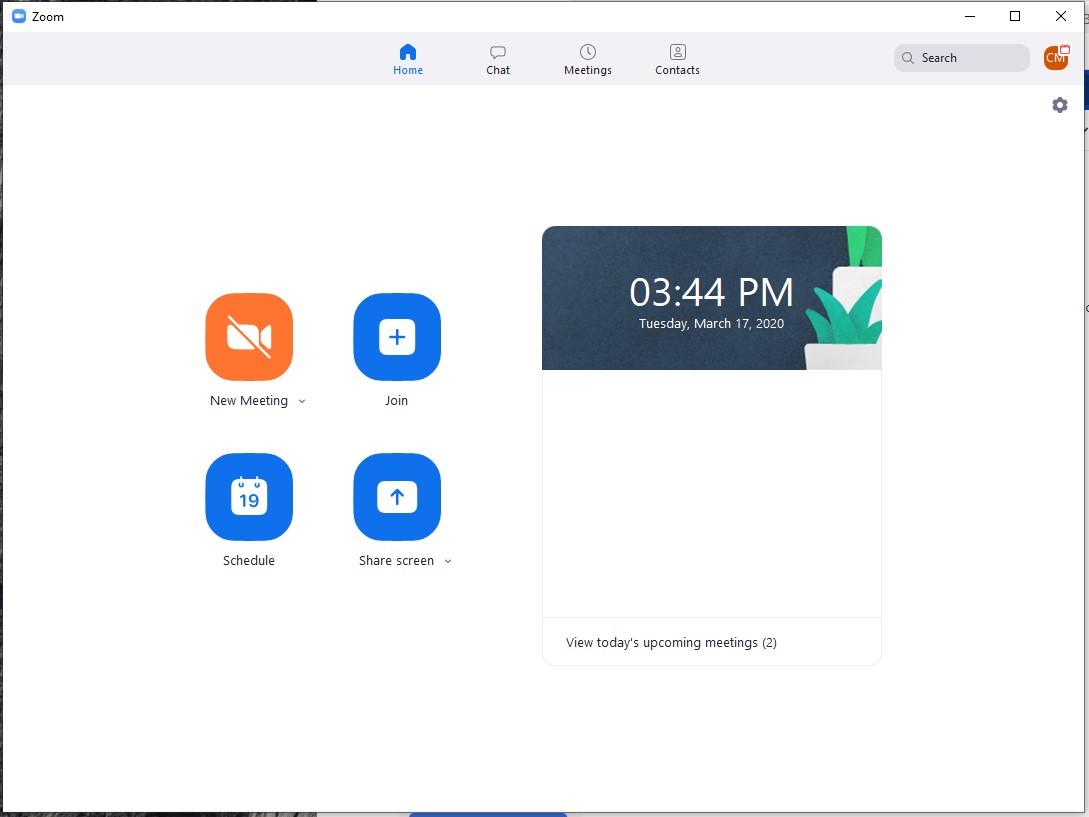
- You are now logged in to the zoom interface
Related articles
-
Page:
-
Page:
-
Page:
-
Page:
-
Page:
{"serverDuration": 40, "requestCorrelationId": "87a641c3da2f4a86bdad07b593334044"}